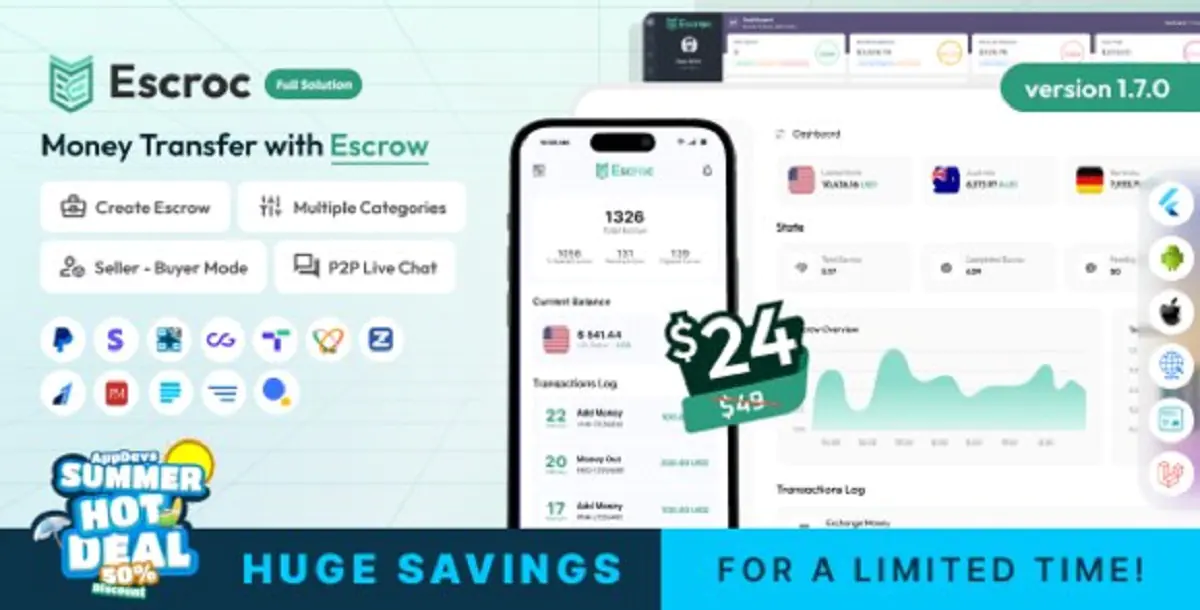
Escroc is a self-hosted money transfer and escrow application that includes a responsive website, cross-platform Android and iOS apps, and an administrative panel. The platform is designed for buyer-seller transactions where funds are held within the system until the agreed conditions are completed. It includes multi-currency wallets, escrow creation and management, add money, money out, currency exchange, transaction categories, P2P chat, KYC, security controls, notifications, support tickets, and multiple payment gateway integrations. Escroc can be configured and branded for businesses that want to operate an escrow-based payment or money transfer platform using their own server, accounts, and third-party service credentials.
User Highlight Features
Multi-Currency Wallet: Manage separate wallet balances for supported currencies.
Escrow Creation: Create escrow transactions between buyers and sellers.
Escrow Management: Track escrow status, participants, amounts, fees, and transaction progress.
Buyer and Seller Modes: Support dedicated transaction flows for both parties.
Multiple Categories: Organize escrow transactions by configurable service or product categories.
Add Money: Fund user wallets through enabled automatic or manual payment methods.
Money Out: Allow users to submit withdrawal requests from supported wallet balances.
Currency Exchange: Convert supported wallet currencies using configured exchange rates.
P2P Live Chat: Enable buyers and sellers to communicate within escrow transactions.
Dispute Handling: Allow escrow participants and administrators to review disputed transactions.
KYC Verification: Collect and review identity verification information from users.
Email Verification: Verify user email addresses during account registration and access.
Two-Factor Authentication: Add an additional authentication layer to user accounts.
Multiple Languages and RTL: Support configurable languages, including right-to-left layouts.
Payment Gateway Integrations: Accept deposits through the payment gateways included with the item.
Authorize.Net Integration: Process supported payments using configured Authorize.Net credentials.
Notifications: Provide transaction and account notifications across supported interfaces.
Support Tickets: Allow users and administrators to create and manage support requests.
Admin Roles and Permissions: Control administrative access through configurable roles and permissions.
Dynamic Content Sections: Manage supported website sections from the admin panel.
Storage Configuration: Use local storage or supported Amazon S3 configuration for uploaded files.
Google reCAPTCHA: Protect supported public forms from automated abuse.
Rate Limiting: Reduce repeated or abusive requests through application-level security controls.
Dark Mode: Switch the mobile app between light and dark themes with persistent preference.
App Update Prompt: Notify mobile users when a newer store version is available.